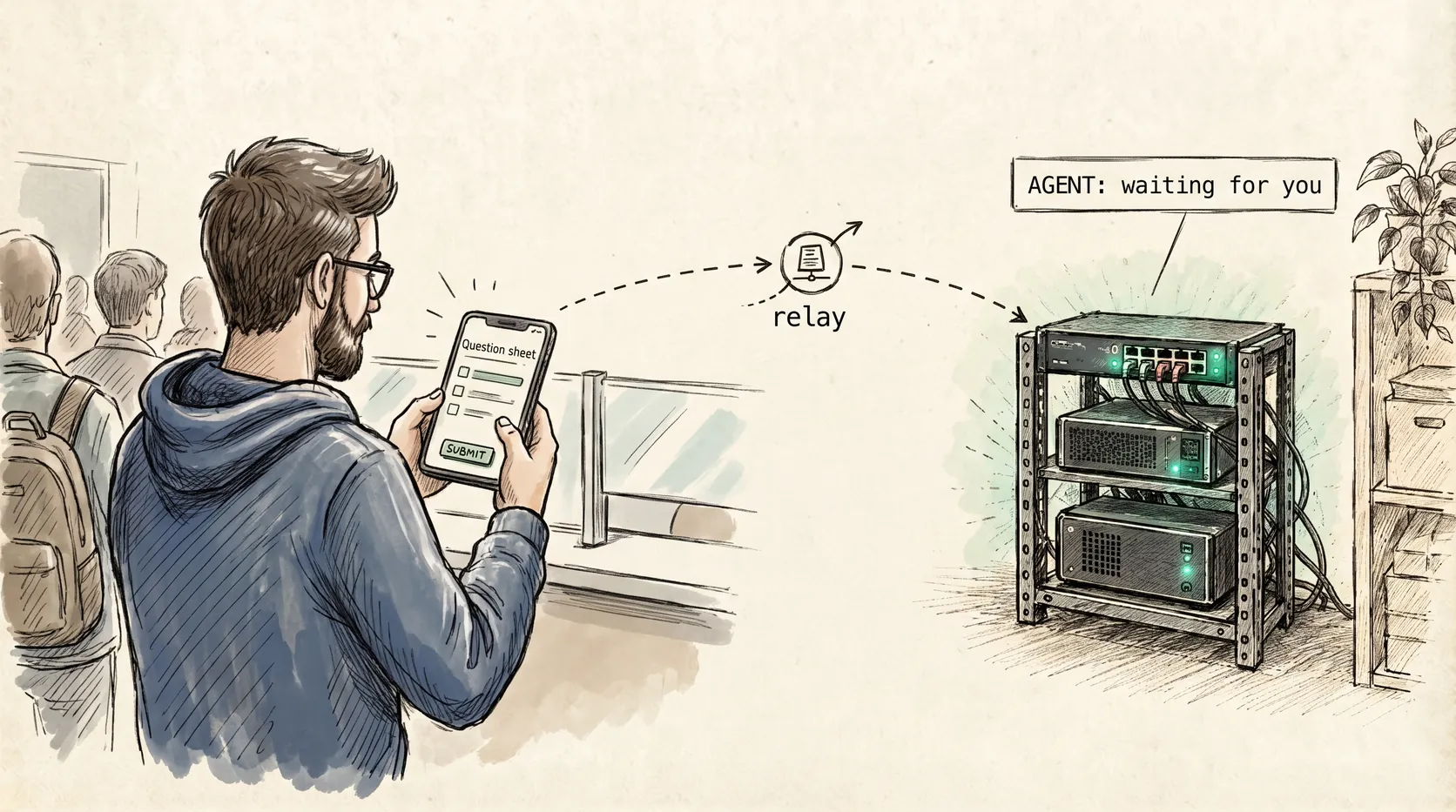
Your mission, should you choose to accept it: the agents are running in the lab, three rooms and one network hop away, and you are standing in a queue with a phone in your hand. The work cannot wait for you to sit back down. The approval blocking it is one tap away. The agent will hold the line until somebody answers, and the somebody is you.
I already moved my coding agents off the laptop, in Ghost Protocol . They run on an always-on box in the lab now, unattended, writing code at 3am while the laptop lid is shut. That solved the compute problem and left a smaller, dumber one in its place: the console was still in the lab.
An agent that runs unattended is not the same as an agent that runs unobserved. It stops to ask questions. It asks for permission before it touches things. It finishes a run and wants a direction. If the only way to answer is to walk to a desk, then an always-on machine has just moved the bottleneck, not removed it.
This is the other half: the console in your pocket, and a relay you own that connects the two.
Prerequisites
- An always-on Linux or macOS machine running Pi, with a working model provider.
- A private mesh VPN across the relay host, that machine, and your phone (I use Tailscale).
- Somewhere to run the relay: Docker, or one of the alternatives below.
- An iPhone with the Un Bien app. This walkthrough is iOS; the project docs also list macOS.
- Tested on: a Proxmox host, Docker on Ubuntu inside LXC containers, Pi 1.1, and the latest Un Bien at the time of writing (October 2026).
The pieces, and what Un Bien actually is
Un Bien is a native client for Pi coding agent sessions, with its own setup docs . It is not a hosted service, it is not a login, and it does not ship pointing at anybody’s infrastructure. Five pieces, and you bring the middle one:
- the Pi extension, which adds the
/unbiencommand, the relay client, and the agent mesh to any terminal Pi session; - the relay, a small WebSocket server you host, the meeting point between your machine and your phone;
- the app, the native iOS client;
- the launcher, an optional daemon so the app can start sessions even when no Pi is running;
- the CLI, an optional terminal client that attaches to the same sessions from any shell.
phone (Un Bien) ---> relay <--- Pi sessions
                       ^
                       +------- launcher (optional)

every arrow runs inside the mesh VPN
The VPN carries the traffic. The relay routes it. Neither is end-to-end encryption, and there is no default relay, which is deliberate. Read the next section before you decide where yours lives.
The relay: one container on the lab box
Un Bien’s own docs recommend running the relay as a systemd or launchd service on an always-on box. I run mine in Docker because that is how the rest of my lab runs: one Proxmox hypervisor, services in Docker inside their own LXC containers, everything reachable over a private mesh. A relay is one more of those. It builds from the repo and runs with a restart policy, so it survives reboots without me touching it:
git clone https://github.com/georgeharker/un-bien
docker build -t un-bien-relay ./un-bien/relay
docker run -d --name un-bien-relay -p <tailnet-ip>:3000:3000 \
  -v un-bien-data:/data --restart unless-stopped un-bien-relay
<tailnet-ip> is the host’s Tailscale address (tailscale ip -4). Publishing the port on that address instead of every interface keeps the LAN out, but it is one control, not full isolation: check the host firewall and any other published ports too. If Tailscale is not up when Docker starts the container at boot, the bind can fail, so reboot the host once and confirm the relay comes back. The volume keeps the membership database across upgrades. Verify it answers (from another machine on the mesh, since localhost no longer matches the bound address):
curl -s http://<tailnet-ip>:3000/health # 200 OK
No Docker on your host? Two alternatives land in the same place, a relay that comes back on its own: the Homebrew guide
on a Mac or Linux box, or cargo install un-bien-relay followed by /unbien install relay from inside Pi.
Know where the trust boundary is. The relay is a routing pipe, not a confidentiality boundary. The VPN encrypts traffic in transit, but the relay itself serves cleartext and its operator can see routed plaintext: Un Bien is not end-to-end encrypted. That is why there is no default relay. Treat the relay host as trusted infrastructure and restrict access to it accordingly.
The perimeter is the mesh
Nothing here opens a port to the internet. That is not quite the same as nothing being reachable: unless you bind the published port as above, the relay listens on every IPv4 interface on its host, so the LAN it sits on can talk to it whether you meant it to or not. The relay host, the working machines, and the phone all sit on the same mesh VPN, so the phone reaches the relay over an encrypted overlay regardless of which network either end is attached to. In my case that is Tailscale, but the property matters more than the product: any WireGuard-based overlay gives you the same posture, and plain HTTP inside the tunnel is fine because the tunnel is the encryption.
Encryption is not access control, though. The VPN protects the transport between your own devices. Whether a phone can steer a machine is decided by separate layers: device pairing, who can reach the host, and the remote-launch opt-in covered below.
That single decision is what makes the rest work. The relay URL the phone uses is the relay host’s private mesh name, not a public address, and it resolves the same way whether I am at home, at a coffee shop, or on a train.
Point Pi at it and pair
On the working machine, install Pi, then the extension, which goes in like any other Pi package:
npm install -g --ignore-scripts @earendil-works/pi-coding-agent
pi install npm:@geohar/un-bien
Then, from inside Pi, sign in to a model provider and point the extension at the relay:
/login
/model
/unbien set-relay http://<relay-host>:3000
/unbien
/unbien pair
/unbien launches the first-run wizard (agent name, default session, whether this terminal joins the relay) and on every following run it simply rejoins the mesh and starts the relay client. /unbien pair prints a QR code; scan it from the app and the machine is yours.
Two things to know before you pair anything.
Pairing is per machine, not per session. Pair once and every Pi process on that box accepts the device, including the launcher daemon. You are not approving one session, you are approving a machine.
Your identity never leaves your devices. The app generates an Owner key on first run and keeps it there. There is no account and no recovery flow, which is the point: no operator can reissue it. iCloud Keychain is the backup story, and losing the key means losing the identity.
The pairing code itself is single-use and short-lived. If it expires, run /unbien pair again. /unbien devices lists what is paired; /unbien revoke takes one back.
No app at hand? The CLI attaches to the same sessions from any shell:
npm install -g @geohar/unbien-cli
unbien connect '<unbien://pair?t=…&epk=…>'   # first run: pair with the machine
unbien connect --list
unbien connect --session-name <name>
The CLI pairs separately from the app, so a fresh shell needs that unbien:// string once, pasted from under the QR, before --list returns anything.
What remote control actually feels like
The Sessions list holds two kinds of row, and the difference is the whole remote workflow.
A session is an agent already running, with its working directory. Tap it and you are in the transcript: your messages, the model’s collapsed reasoning, assistant prose rendered as markdown with highlighted code, and a tool card per call labelled by tool (bash, edit) with a success mark. An edit card carries a Diff / Content switcher, so you can read the patch or the resulting file without leaving the phone.
A machine is a paired box with no live Pi session, shown with a spinner while the app looks for the launcher daemon. That row is the remote-start path, and it is the difference between observing the lab and operating it.
Inside a session, the controls that matter:
- The ask sheet. When an agent stops to ask, the question arrives as a proper sheet with per-option explanations. Pick one, add a note if it needs one, submit, and the turn continues. A waiting question badges the session on Home, so an ask that fires while you are looking elsewhere is not invisible. Either end can answer: reply at the terminal instead, and the phone sheet dismisses itself.
- Send now versus queue. Two send buttons, and the distinction is the one that keeps you from interrupting a long run. Arrow sends immediately; the tray holds your instruction until the current turn finishes.
- The stop button. While a turn is executing, send becomes a red stop. That is your interrupt, from a phone, without killing the session.
- The control menu. Model, thinking level, token usage, and whether the context has been compacted, changeable mid-session. I have dropped an expensive model down a tier from a waiting room because the remaining work was mechanical.
- Subagents. When the agent delegates, the subagent appears three places at once: as a tool card in the transcript, in the Agents panel, and nested under its parent on the Sessions list. Tapping it opens the subagent’s own transcript, readable as a session in its own right.
- Fork and branch. Long-press a message to restart from it, either as a new session or as a new path inside this one.
One gotcha, and it is an iOS one: backgrounding the app suspends the relay socket, so live pushes during that window are missed, and very long-unanswered asks expire on the machine after ten minutes with a warning. Nothing is lost, because returning to the foreground replays anything still pending. But if a question stops appearing, answer it at the terminal and get on with the run.
Read that list as a hierarchy rather than a feature tour. The ask sheet is what I use daily. The model switch is what I reach for when a run outgrows the cheap model I started it on. Fork and branch are what I forget I have until a direction turns out to be wrong. All of it answers one question you cannot answer from a desk you are not sitting at: is this run fine, or does it need me?
Starting a session when nothing is running
Attaching is the easy part. The interesting case is a machine that is idle at 2am: no Pi, no session, just a box.
That is what the launcher daemon is for. It is a lightweight mesh peer rather than a Pi session, so it reuses the machine’s paired identity and relay config, joins a machine-level control room, advertises that it can launch, and spawns a pi window in tmux (or herdr) on request.
⚠️ Read this before you enable remote launch. Three separate permissions are in play: connecting (pairing), launching (a per-directory opt-in), and running tools (not gated at all). A launched Pi runs Bash, Edit and Write without prompting, so configure Pi’s tool permissions first. Details at the end of this section.
/unbien install launcher
Do not reach for /unbien install all here. The docs are explicit that the bare /unbien install and /unbien install all also install a relay service, so on a box that already runs the Docker relay you get a second one fighting for port 3000.
What the installer creates depends on what kind of machine this is, and that dependency is worth understanding before you trust it. On macOS it becomes a launchd agent. On a bare-metal Linux box it becomes a systemd --user service, and there is a second switch you have to remember: loginctl enable-linger "$USER". Without it, logind treats your logout as the end of the account and tears down the user manager, taking the launcher with it. The daemon dies with your last SSH session and the machine quietly drops off the list, with nothing logged loudly enough for you to notice.
If the agents run inside Docker containers instead, as mine do, none of that applies, because there is no systemd to install into. A container normally has no systemd --user instance, so the service installer has nothing to talk to. For that case the launcher ships as its own foreground binary, with no service manager involved:
npm install -g @geohar/un-bien-launcher
unbien-launcher
In a container or a bare tmux session, run the launcher in the foreground and let whatever already supervises that box keep it alive. Same requirement, different mechanism.
Remote launch is opt-in per directory. Set allow_remote_launch: true in the .pi/un-bien/config.json of the directories you are willing to start work in, or defaults.allow_remote_launch in ~/.pi/extensions/un-bien.json to allow it machine-wide. Pairing alone does not hand the phone code execution, because the phone cannot widen that opt-in on its own. What it does hand over is steering: a launched Pi inherits the same config an interactive run uses, so tool execution is not gated, exactly as the warning above says. Pair a phone to a lab box only if you would be comfortable with someone answering its prompts.
Optional: the agent mesh
The same plumbing carries a second capability that costs nothing extra to switch on: an agent mesh. Pi sessions on one machine find each other through a local broker, and the relay extends that across machines, same-owner only. Sessions discover each other with list_peers and message each other with agent_send, which for a unicast send returns a delivery ACK rather than blocking for a reply. An agent working a front end can ask the agent working the API whether a field is still nullable. Addresses are opaque routing keys: copy them verbatim from list_peers, never build one by hand.
Acceptance test
Five checks, in order. If one fails, stop there and fix it before moving on.
- Relay:
curl -s http://<tailnet-ip>:3000/healthreturns 200 from another machine on the mesh. - Pairing: after
/unbien pair, the Pi session shows up in the app. - Ask: make the agent ask you something, and answer it from the phone.
- Launch (only if you enabled it): start a fresh session from the machine row while no Pi is running.
- Durability: log out of every SSH session and reboot the host once, then confirm the machine still appears in the app.
Where this bites
Two things I would rather you read here than discover at 3am:
- Pi’s own permissions are the real gate. A launched session runs its tools without asking, so the pairing is not the control.
- The launcher is only as durable as whatever supervises it. On a systemd host, forgetting
lingerlooks exactly like the agent falling over when it is really the daemon dying with your last SSH session. On a container host, the supervisor you built yourself is the piece most likely to be silently missing.
Mission accomplished: the console left the desk and moved into your pocket, and the agents keep working while you are nowhere near them. Next objective: the mesh underneath it, where independent Pi sessions pass messages and coordinate work without you.