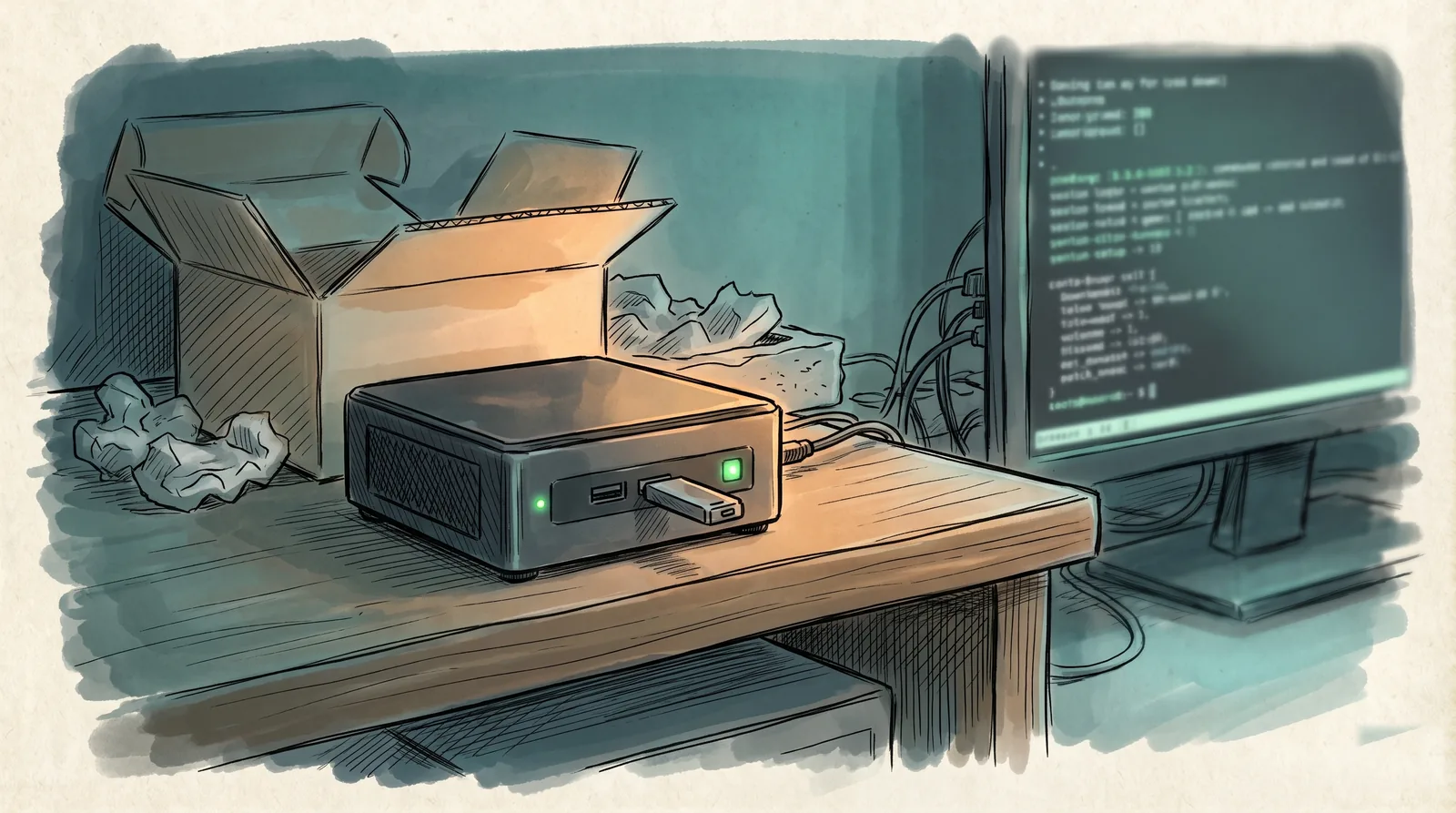
Mission briefing, day zero. One unboxed mini PC. One blank USB stick. One empty slot in the fleet. By end of day this machine must be installed, hardened, answering on the mesh, and able to survive a power cut with nobody home. You have met this node twice already: in Ghost Protocol it ran coding agents around the clock, in Pocket Protocol it took orders from a phone while queuing at the registry office. You have never seen it born. Until now.
The mission that got skipped
Operation Minilab covered the architecture: two houses, cheap mini PCs, one synchronized operation. The articles that followed covered what runs on top, the container architecture , the Home Assistant command layer , the always-on dev machine, the phone relay. Every one of them assumes a box that is already installed, patched, and answering on the network.
None of them shows the box being born. That’s this one: the newest node in the fleet, taken from factory image to mesh member in an afternoon. The point of writing it down is the same as always: next time this should be repeatable, boring, and not dependent on remembering what worked.
The recruit
The hardware is the same class as the rest of the fleet, which is deliberate. A Blackview MP80: Intel N97, four cores, no threads to miss. 16GB of RAM. A 512GB SSD for the hypervisor and everything it runs. Nothing exotic, nothing expensive, same sleeper-agent economics as the boxes in Operation Minilab .
One extra disk matters: a 1TB Crucial SSD rides along as a simple backup target, mounted at /mnt/backups, with per-service folders written straight onto it: this node’s own (frigate, ha-rg) and copies pulled from the master node over the mesh, like its immich and jellyfin data. Two nodes in two houses, each holding a copy of the other’s services, is the poor man’s offsite: the box can die without the archive dying with it.
Proxmox VE was never in question. It’s the default answer for “run VMs and containers on one box” for a reason: mature, well documented, and boring in the ways that matter. The doctrine stays the same across every node in the fleet: the hypervisor layer stays clean and stable, and every actual service lives in its own LXC or VM on top. Touch the host as little as possible; the rest of this briefing is the complete list of what goes on it, a post-install cleanup and Tailscale itself. Everything else is disposable.
Flash, boot, done
The install itself is the least interesting part of this story, which is the point. Grab the latest Proxmox VE
ISO (9.1.4 on install day, 9.2 now: updated later from a laptop over the mesh, no keyboard involved. Boring in the ways that matter) and flash it to a USB stick. On macOS, diskutil list to find the stick, then either balenaEtcher if you like a GUI, or the direct route:
diskutil unmountDisk /dev/diskN          # the USB stick, not your backup disk (macOS)
sudo dd if=proxmox-ve.iso of=/dev/rdiskN bs=4m   # rdiskN: the raw device, much faster
diskutil eject /dev/diskN
Boot the mini PC from the stick (on this hardware, hammer the Boot Menu key at power-on), answer the installer’s questions: target disk, country, timezone, keyboard, management interface, hostname, static IP. Twenty minutes, no drama. When it finishes, the node is already answering on https://<node-ip>:8006.
One round of housekeeping before anything else. The community’s post-install script fixes the package repositories (the no-subscription ones, unless you’re a subscriber), removes the “No valid subscription” popup, and brings the host up to date, all from a menu:
bash -c "$(wget -qLO - https://github.com/community-scripts/ProxmoxVE/raw/main/tools/pve/post-pve-install.sh)"
Yes, that is a root shell piping a script off the internet. Read it before you run it, and know who maintains it: the community-scripts project is the maintained continuation of the original tteck collection.
Services become one-liners
Here’s where the leverage is. Proxmox VE Helper-Scripts (community-scripts/ProxmoxVE) turns “research the right LXC config, write it by hand, get the mount points wrong twice” into “copy one line from community-scripts.org and paste it into the node’s shell”. Search the catalog for the service you want, copy the command, run it:
bash -c "$(wget -qLO - https://github.com/community-scripts/ProxmoxVE/raw/main/ct/jellyfin.sh)"
Default mode picks sensible resources (CPU, RAM, disk) and asks only the minimum questions. Advanced mode hands you every knob first. Either way, a few minutes later there’s a container running the service, and it ships with a post-install helper for updates and common settings, so maintenance is not manual either.
Immich, Jellyfin, whatever’s next: the boring, repetitive setup work is already solved by people who did it first and shared it. Your job narrows to picking from the list and pointing things at the right storage. A few years ago, standing up a node like this was the whole project. Today it’s the first afternoon.
The gotcha: surviving the power cut
Here’s the one that would have bitten hard later: this box had to survive a power outage without a physical visit, and out of the box, it didn’t. Most consumer mini PCs stay off after power comes back unless told otherwise, which is exactly backwards for something meant to run unattended in a house you’re not always in.
The setting exists, it’s just not where you’d look first. On this firmware it’s buried under Advanced / OEM Extended Setup Configuration rather than the obvious Boot tab: Start After G3 → Power On (the G3 state is “power removed”, so this is literally “when power returns, come back on”).
Then verify it the honest way: pull the plug, count to ten, plug it back in, and watch the node come up on its own. The right day for this is while the box is still empty, before anything with state is running on it. A recovery you haven’t tested is a rumor, not a capability.
Joining the mesh
Last step: Tailscale, so this box is reachable from every other device in the operation without opening a single port to the internet. Install it on the host and bring it up:
curl -fsSL https://tailscale.com/install.sh | sh
tailscale up --accept-dns=false
Both run in the node’s root shell: a fresh Proxmox install has no sudo and doesn’t need it here. tailscale up prints a login URL to open once in a browser, and while you’re in the admin console, disable key expiry for this node: a machine you can’t walk to should never lose its keys.
--accept-dns=false keeps the host’s DNS configuration untouched: a server should resolve the way you set it up, not the way a VPN client decides. The trade is that the host won’t resolve tailnet names itself; every other mesh member still reaches it by its private hostname, regardless of which house, or continent, either end physically sits in.
The host joining the mesh gets you SSH and the Proxmox UI from anywhere. The services inside containers have two options, both one-liners: let specific containers join the tailnet themselves (there’s a helper script for that too, add-tailscale-lxc), or advertise the node’s internal subnet as a route with tailscale up --advertise-routes=192.168.1.0/24 (your LAN’s subnet; the route needs a one-time approval in the admin console). Pick per service: anything you want to reach from the phone joins directly, everything else stays internal.
From there, services stack on top the way they always do: each one its own LXC or VM, nothing sharing state with the hypervisor.
Day zero, closed
That’s the whole origin of the machine you’ve already met twice: the node that carries a Home Assistant VM, Frigate and Zigbee2MQTT keeping a house’s senses sharp, Uptime Kuma watching the whole fleet, ComfyUI and Ollama for local AI duty, and its share of the coding-agent operation. No step in it took longer than a coffee, and the only genuinely non-obvious moment was a BIOS setting hidden one menu deeper than it should be.
Day zero is closed. The node is online, and already forgettable. Next time the mission comes up, it’s just another afternoon: flash, boot, join, done.
This briefing will not self-destruct. It’s version controlled.